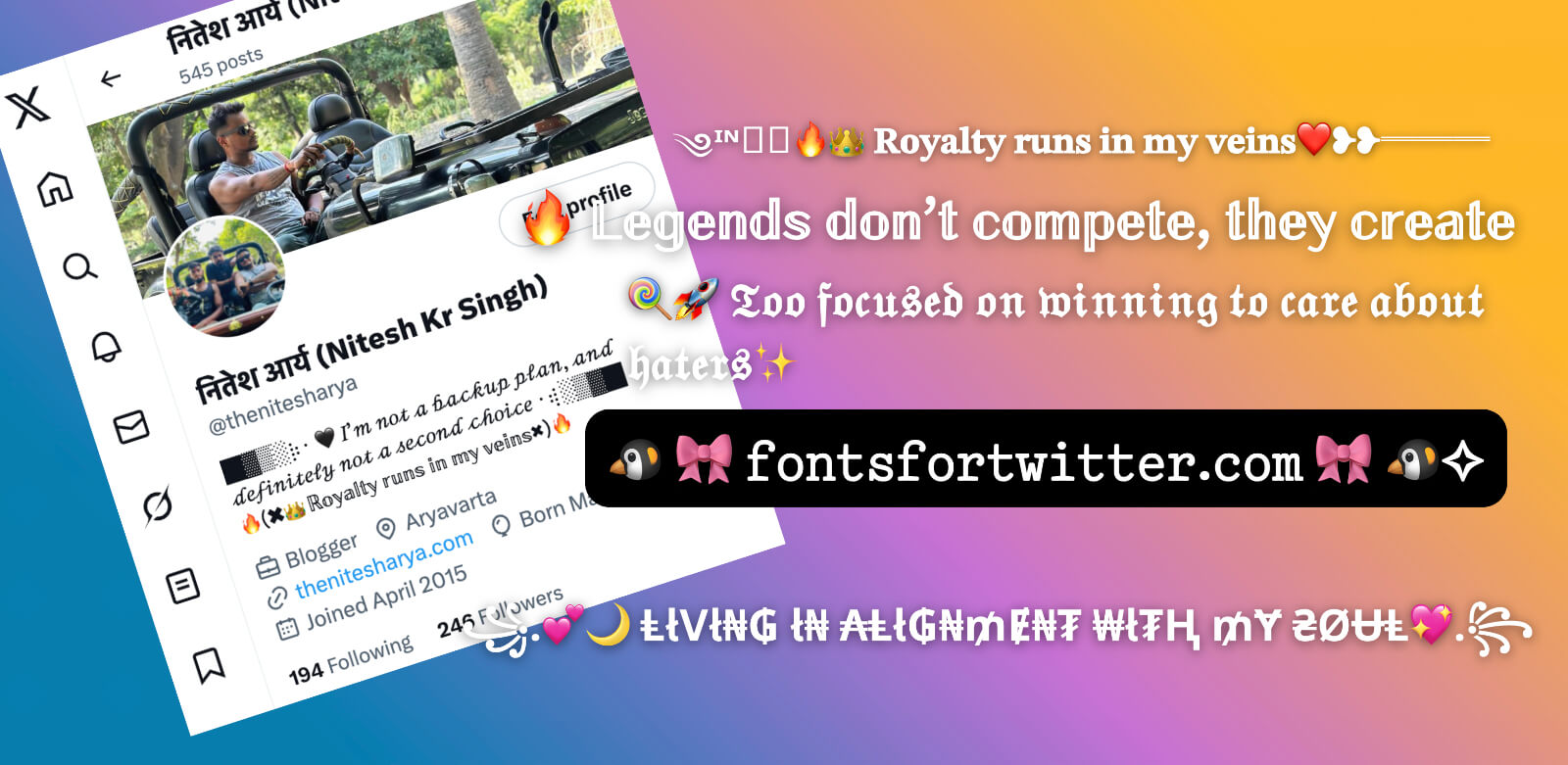
꧁༒☠💥✨𝓧 𝓕𝓸𝓷𝓽𝓼✨💥☠༒꧂ ✓ Generate Fancy ♥ ℭ𝔬𝔬𝔩 ♥ & ⓢⓣⓨⓛⓘⓢⓗ text font letters for twitter (x) username,
profile name and bio ☆😍➀.
Hey friends, welcome back!
If you've ever looked at someone's Twitter (now X) profile and thought, "Wow, how did they make their
bio look so cool?" — you're not alone. That little touch of personality in a username or bio
can make a huge difference in how people see you online. That's exactly what this website is all about.
We've been running this tool for a while now, but we recently went back to square one and rebuilt the
whole thing from scratch. New code, new design, new features — basically a full glow-up. And honestly?
We're really happy with how it turned out.
What's New and Why It Matters
The old version had its moments, but it also had a lot of problems. Users were telling us it was slow, it
didn't load right on phones, and the font options felt limited. We heard you, and we took every single
piece of that feedback seriously.
So we rebuilt everything. The new version is faster, works smoothly on any device — whether you're on
your phone at 2am or sitting at your desk — and the design is clean and easy to navigate. No more
squinting at tiny text or waiting forever for the page to load.
We also added a ton of new font styles. Way more than before. Whether you're into something elegant and
cursive, bold and blocky, or something that looks like it came from another dimension entirely, there's
something here for you.
Why Did We Build This in the First Place?
Honestly, it started with a simple observation. A lot of people want their Twitter/X profiles to stand
out, but they don't know how to do it. You can't just open Twitter and pick a fancy font — the platform
doesn't offer that. But there's a clever workaround: certain special Unicode characters look
like stylish fonts and Twitter supports them just fine.
The problem was that most websites offering this kind of tool were either broken, ugly, or way too
limited. You'd go in hoping to make something unique, and you'd come out with the same three options
everyone else was using.
That gap is what pushed us to build our own version. We wanted something that actually worked well and
gave people real options to express themselves. Not just "here's a bold font" — but actual creative
control over how your profile looks.
How to Use the Twitter Font Generator (Step by Step)
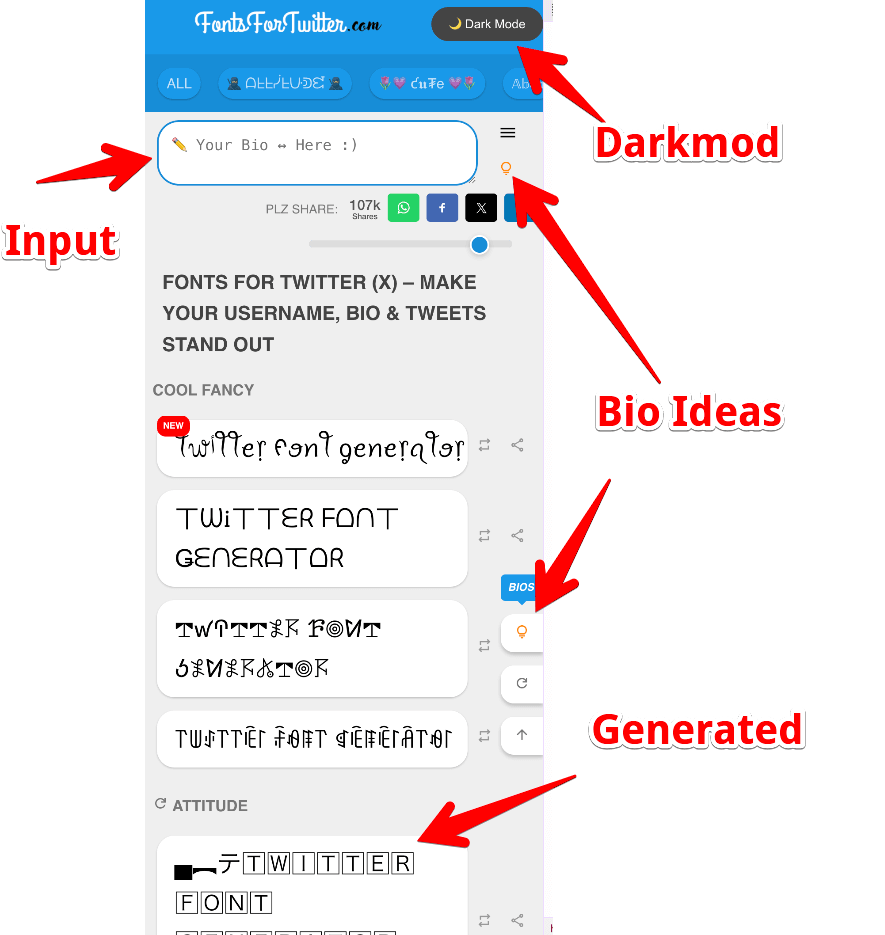
It's genuinely simple. Here's how it works:
- Type your text into the box at the top of the page — it could be your name, a line from your bio, or
even a tweet you're drafting.
- Scroll through the different font styles that appear below. There are loads of them, so take your
time.
- See one you like? Just click on it and it copies automatically.
- Head over to Twitter (X) and paste it wherever you want — your display name, your bio, or even a
post.
That's it. No sign-up, no downloads, no complicated settings.
Quick example: Type "Hello" and you'll instantly see options like
𝓗𝓮𝓵𝓵𝓸, Hello, or ʜᴇʟʟᴏ — each one a completely
different vibe.
One small tip: Try out a few different styles before you commit. What looks cool on a desktop
might feel a little different on the Twitter mobile app, so it's worth testing on your phone too.
Who Actually Uses This?
More people than you might think, honestly. Here's a look at some of the ways people are putting it to
use:
- Students use it to add a little personality to their bios — something that feels
warm and approachable when new followers check out their profile.
- Content creators love clean, readable styles that keep things looking polished and
on-brand without being over the top.
- Gamers go for the bold, edgy, or glitchy styles that match the energy of their
handle and clan tags.
- Entrepreneurs and professionals tend to prefer calm, simple styles that still look
a little different from the default — professional, but with a touch of personality.
- Mood switchers just like changing things up. New mood, new font. It's a small
thing, but it makes your profile feel alive and current rather than something you set up years ago
and forgot about.
330+ Ready-Made Bios (Yes, Really)
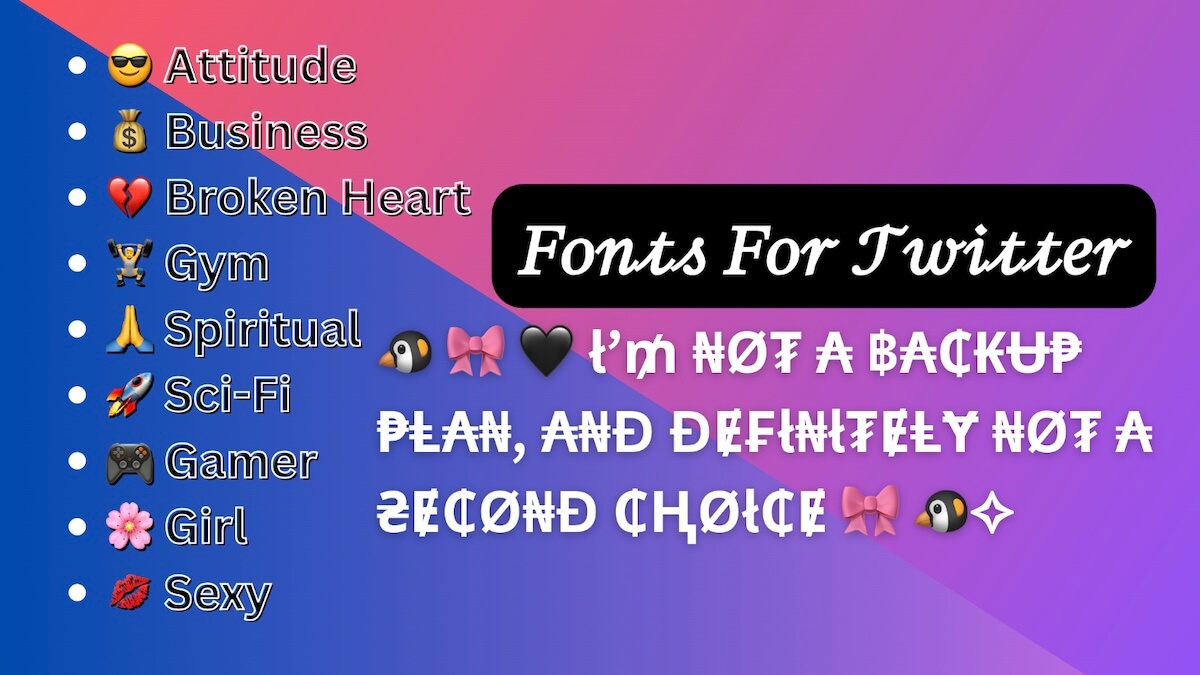
Sometimes the hardest part isn't the font — it's figuring out what to actually say in your bio.
We've got you covered there too.
We put together a collection of over 330 pre-written bios that you can copy and use right away. They're
short, real, and written in a way that actually sounds like a person wrote them. You can use them as-is
or tweak them to fit your personality.
We organized them by mood so you can find something that fits how you're feeling:
😎 Attitude | 💰 Business | 💔 Broken Heart | 🏋️ Gym |
🙏 Spiritual | 🚀 Sci-Fi | 🎮 Gamer | 🌸 Girl | 💋 Sexy
Just browse the category that fits, grab a bio you like, and you're done. First impressions on Twitter
happen fast — a good bio helps you make the right one.
Tips for Picking the Best Font for Your Username
Before you go wild with the options, here are a few things worth keeping in mind:
- Readability comes first. A font that nobody can read is a font that's working
against you. People need to be able to recognize your username at a glance, especially if you're
building a following.
- Check how it looks on mobile. Most Twitter users are scrolling on their phones, not
at a desk. What looks great on a big screen can sometimes look odd or cramped on a smaller one.
Always preview it on your phone before finalizing.
- Less is more. It's tempting to go all out with special characters and symbols, but
one or two is usually enough. Overloading your username or bio can make it harder to read and feel a
little chaotic.
The goal is to stand out in a good way — something that catches the eye without making people work to
understand it.
We really hope this tool helps you build the profile you've been imagining. Go ahead and give it a try —
and if you have suggestions or ideas for things you'd like to see added, we're always listening.